Industries / Watches and jewellery

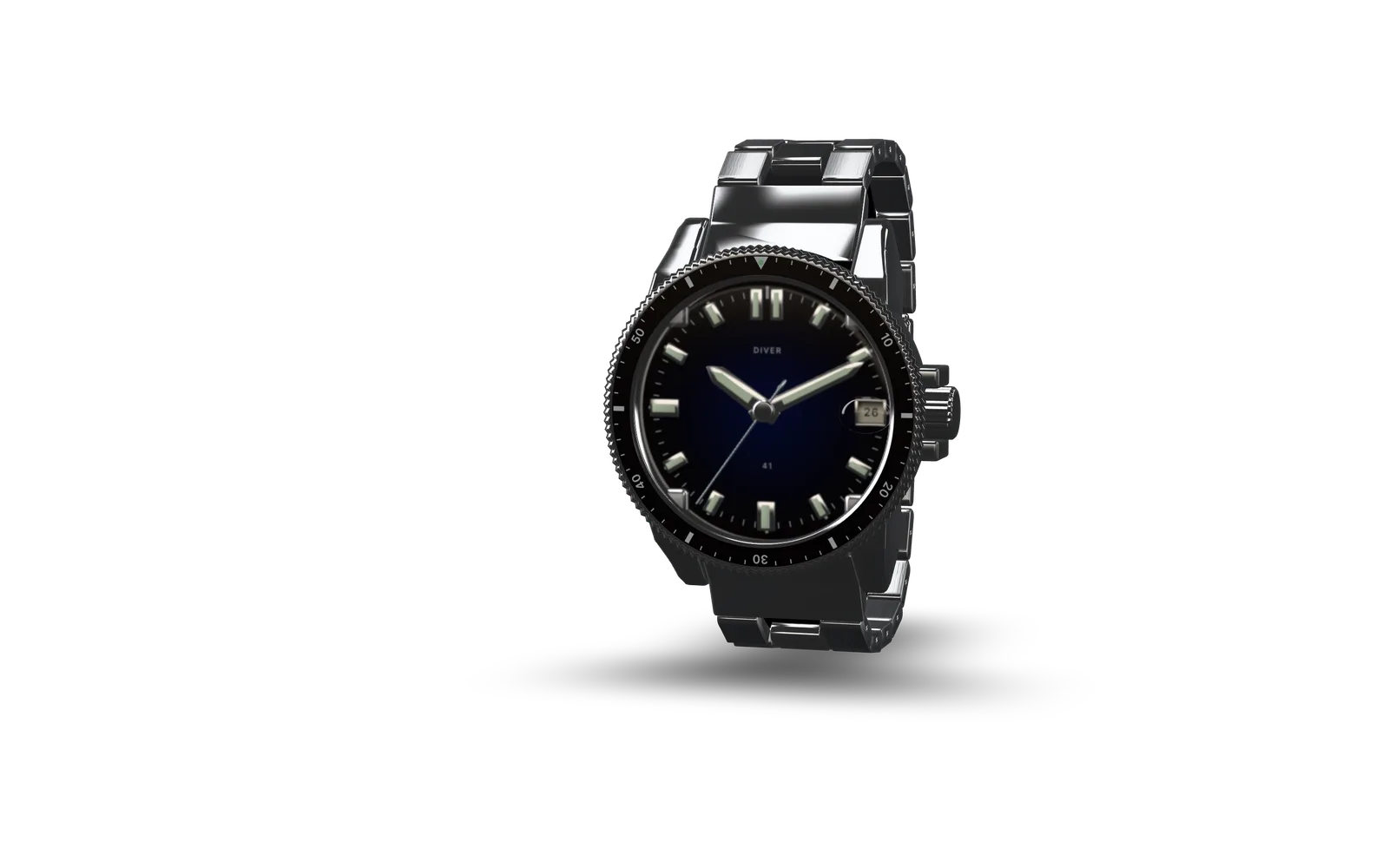
Show dials, settings and metal finishes

Let visitors examine a watch case or a stone setting from different angles. Configurators can show approved combinations of metals, straps and design details.

What suits 3D

  • Watches with dial and strap options
  • Rings with alternative metal finishes
  • Pendants and necklaces
  • Earrings with detailed settings
  • Coordinated jewellery collections

What visitors can do

  • Rotate the case or jewellery piece
  • Inspect dials, clasps and settings
  • Compare metals and strap combinations
  • Send an enquiry about a selected design

What we need from you

  • CAD geometry with component details
  • Macro photographs of finished pieces
  • Metal, stone and crystal specifications
  • Dial artwork and engraving references
  • Approved combinations and product dimensions

Integrations

  • Can be connected to headless commerce for design selection
  • Can be connected to CRM for configuration enquiries
  • Can be connected to PIM for product specifications

Limits to plan for

  • Gemstones require specialist rendering and look different on phones
  • Crystal reflections can obscure dial details at some angles
  • Screen images cannot establish stone grade or exact metal colour

Let visitors examine the craftsmanship

Share your product files and finish references to define the details the presentation should reveal.

Discuss a project